More frames. Less fuss.
Fireout Client gets you more FPS in one click, installs mods from Modrinth, shows off your skins and capes, and hosts your world for friends. Free, for Windows and Mac.
The actual launcher
Don't just read about Fireout. Explore it.
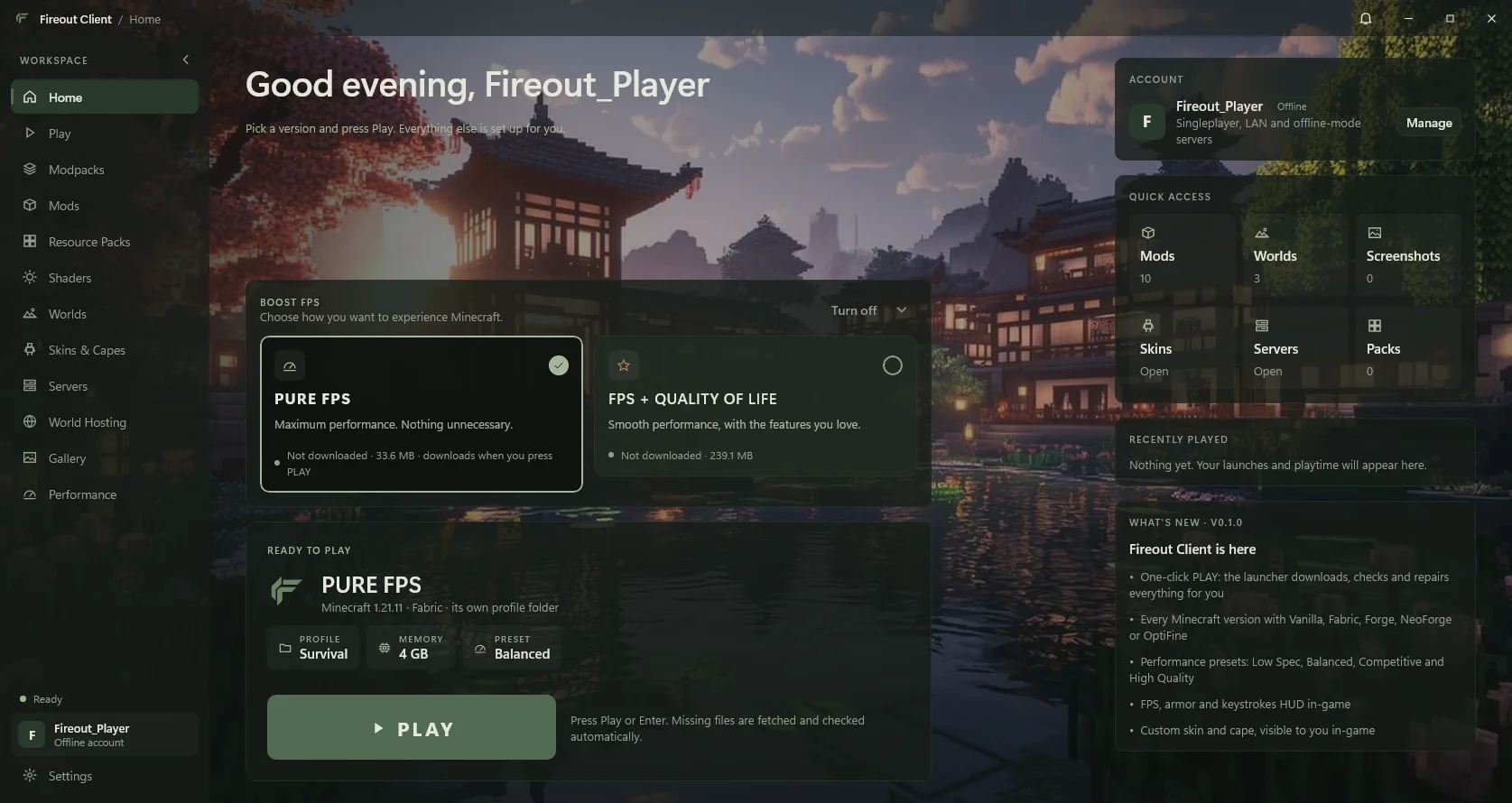
These are real screens from Fireout Client 0.1.4, in the theme you picked above (overworld). Pick a page, just as you would in the launcher.
Home. BOOST FPS, your profile, memory and preset, and one PLAY button. Everything else is set up for you.
Open the interactive tourWhy players switch
Three things the default launcher won't do.
BOOST FPS, already tuned.
Two optimisation packs we keep up to date, so you never assemble a performance modpack by hand.
- PURE FPS: maximum frames, low graphics, 33.6 MB.
- FPS + QUALITY OF LIFE: smooth frames plus the features you love.
- VSync off and frame rate unlimited. Mods' hidden 60 FPS caps are lifted for you.
Your world, your server, one click.
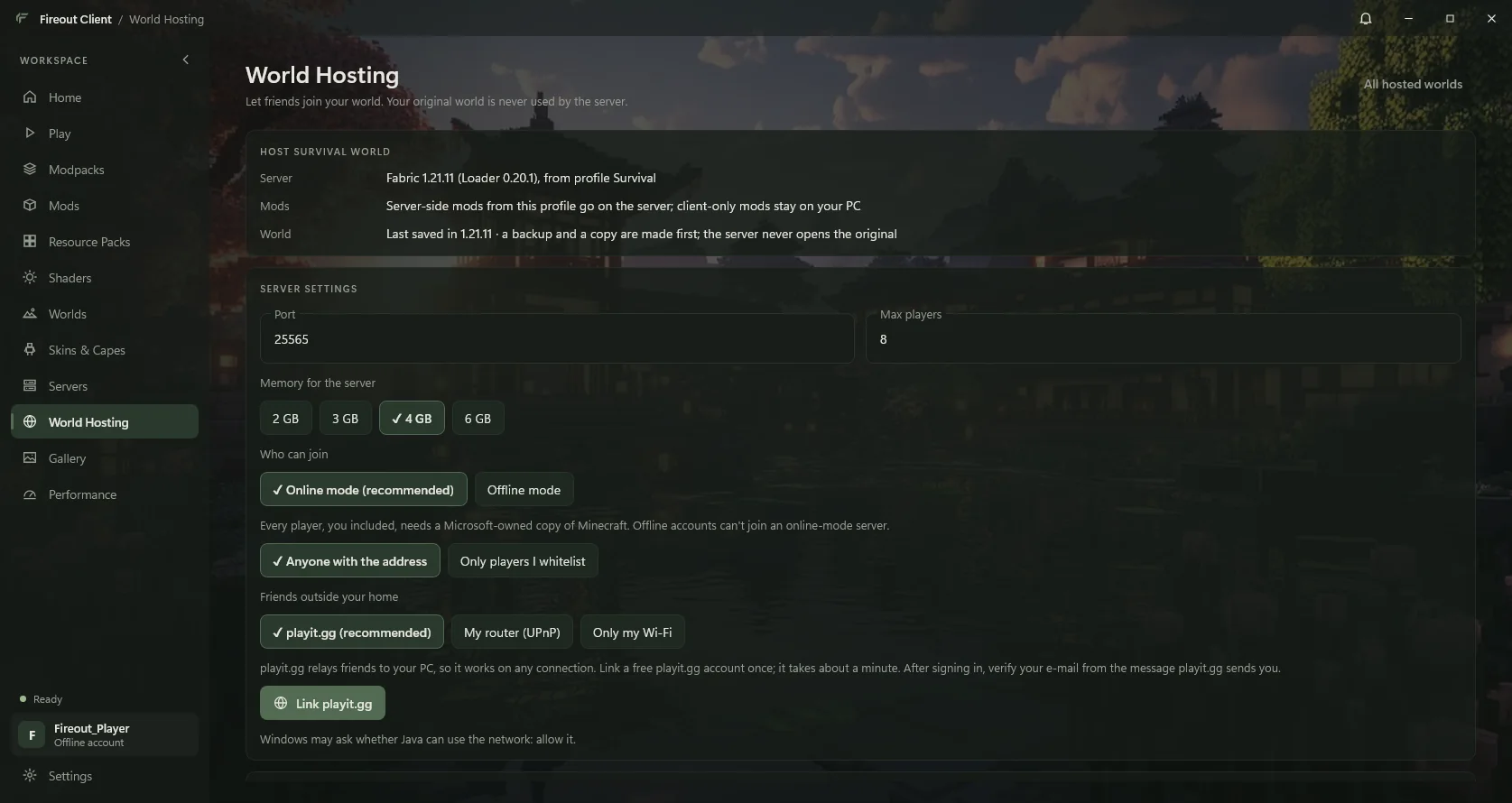
Press Host on any world. Fireout backs it up, runs the official server on your PC, and keeps it going after you close the launcher.
- Friends anywhere join through a free playit.gg address. No router setup.
- The server never touches your original world. Progress is written back only after a clean stop.
- Live console, players, whitelist, op, kick and ban.
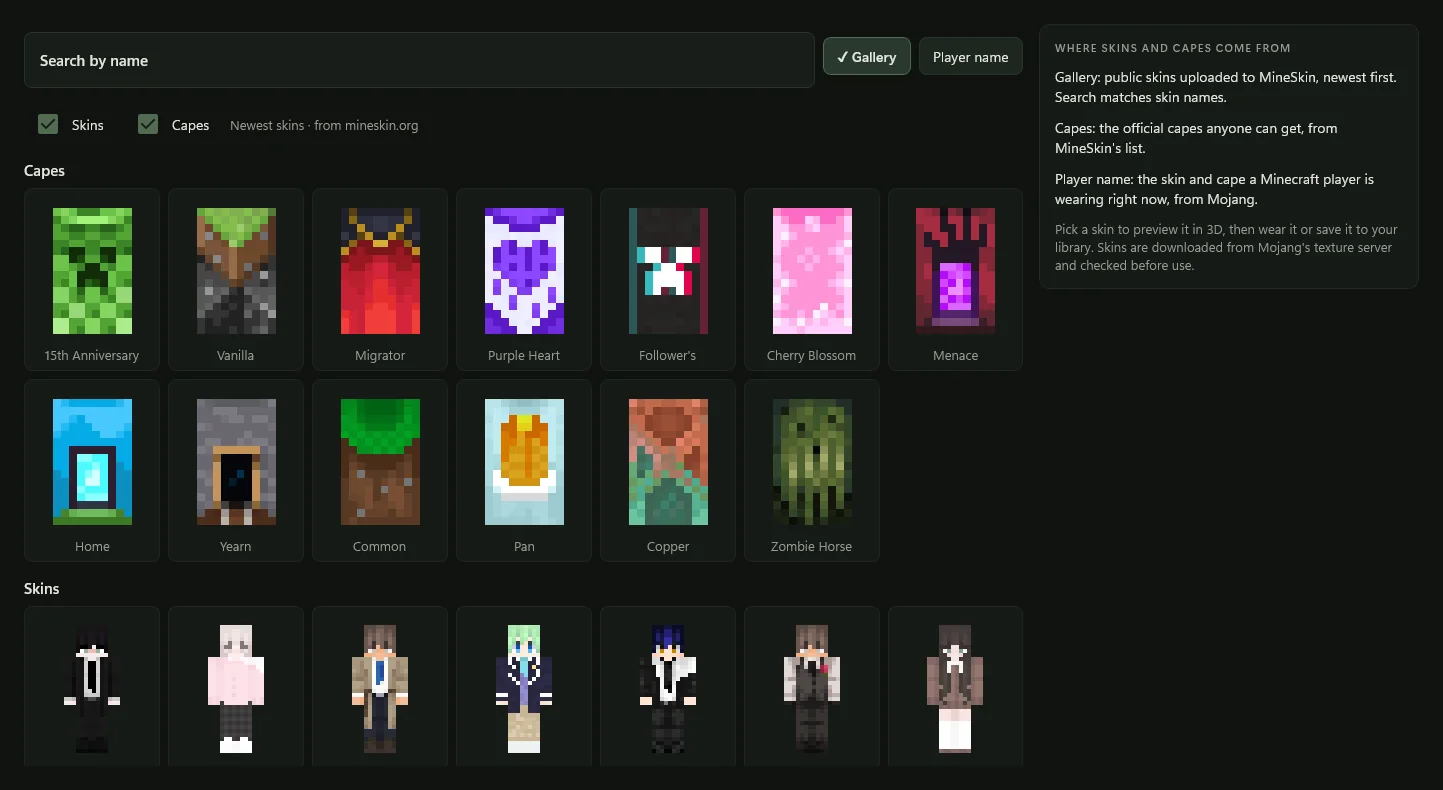
Skins and capes people can actually see.
Browse thousands of public skins and the official capes, preview them in 3D, and wear them.
- Your custom skin and cape show for other Fireout players, even on offline and LAN servers.
- Look up any player's current skin by name.
- Sharing can be turned off any time in Settings.
Free tool
Your skin, in 3D, in your browser.
Drop in any Minecraft skin and turn it around: classic or slim arms, the second layer, and the Overworld, Nether or End behind it. Nothing is uploaded.
Live 3D preview. Drag to turn.
Before you download
Will it run on my PC?
Enter your RAM, graphics and Windows version. The checker compares them with Mojang's published Minecraft requirements, explains each result, and suggests PURE FPS or FPS + QUALITY OF LIFE.
- Honest results. Each part is checked against a named reference, never a secret score or an FPS promise.
- Every field optional. Not sure what's inside your PC? It tells you where to look.
- Private. It runs in your browser; nothing you enter is sent anywhere.
What you're installing
Quiet, careful, yours.
No ads, no analytics, no account with us.
Almost everything stays on your PC. The few things that leave it are listed in the privacy policy, with how to turn them off.
Official downloads only.
The game from Mojang, loaders from Fabric, Forge and NeoForge, mods from Modrinth. Every file is hash-checked before it's used.
Your worlds are backed up first.
Before hosting touches a world, it's backed up and verified. A crash or power cut never overwrites your original.
Ready when you are.
One installer, Java included, your data kept across reinstalls. Checksum and install notes